Getting things ready…
Callrec Phone
A plain, private phone app for Android that records your calls. It replaces the dialer, shows who is calling, and saves each call as an audio file on your phone. No account, no ads, no tracking, no cloud: your calls, contacts and recordings never leave the device.
v0.0.1 first public release Java 17 Android 8+ MIT licence
Early release. Call-audio capture depends on the phone maker, and the app is not yet verified on many handsets. Please report what works and what does not.
~2,000lines of Java
14unit tests
0servers, accounts or trackers
2jobs: test bench + prototype
Why it exists
Callrec Phone does two jobs, and both are experiments on purpose.
A test of the library
It is the reference app for callrec, the small open-source library that does the recording. If the library works in a full, real dialer, it works for anyone who adds it.
A prototype of the Stellar phone
It is also the phone frame prototype for the Stellar ERP phone app: can an app be the default dialer, handle real calls and record them reliably on real handsets? Better to find out here than on top of the ERP.
What you get
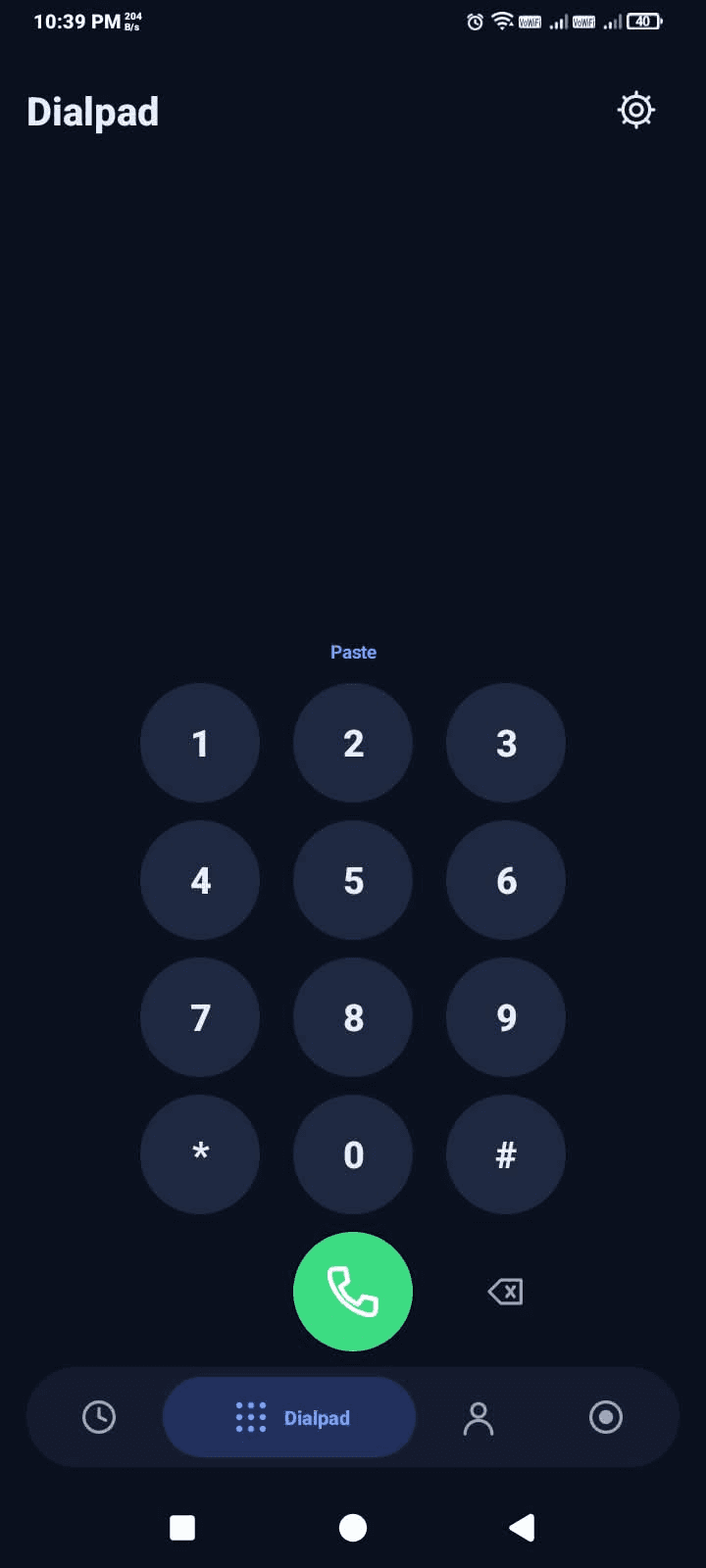
Dialpad, recents and contacts
Search that ignores case, accents and punctuation, and finds a number however it is written.
A full call screen
Answer, decline, silence the ringer, mute, speaker or Bluetooth, hold, keypad and end.
Names from everywhere
Google, phone storage and SIM contacts are merged, and each name shows where it is saved.
A note per number
Shown on the call screen when that person calls or you call them.
Automatic recording
Starts once a call connects. Play, share or delete from the Recordings tab.
Self-cleaning
Old recordings can delete themselves after 7, 30 or 90 days.
It also has a built-in setup guide (Settings → Setup, with a tick for each step) and a “how it works” list. If something breaks, the error is shown in Settings with a Copy button, and stays on the phone.
Setup guide
The same steps are in the app under Settings → Setup, with a tick for each one that is done.
Allow restricted settings, then permissions
Phone Settings → Apps → Callrec Phone → ⋮ (top right) → Allow restricted settings. This is needed for apps installed from an APK. Then tap Allow permissions in the app: contacts, call log, phone, microphone and notifications.
Make it your default phone app
Set Callrec Phone as the default phone app, so it gets the call screen and the calls.
Start recording access
optional, to record both sidesSkip this step to record with the microphone only. To record both sides, tap Pair and start in the app, then:
- Turn on Developer options (tap Build number seven times in About phone) and, inside it, Wireless debugging. Wi-Fi must be on.
- Tap Pair device with pairing code and leave that box open.
- Pull down the notification from Callrec Phone and type the six-digit code into it.
You only pair once. After every restart, open the app and tap Start, with Wireless debugging on while it starts. Needs Android 11 or newer.
Prefer the Shizuku app? Install and start Shizuku, then allow Callrec Phone in it. Both work, and the app uses whichever is on.
Make a short test call
The recording appears in the Recordings tab.
How recording works
Android only lets system apps capture the other person's voice during a call, and there is no setting to switch on. The ways around it are root, the phone maker's own recorder, or borrowing the rights of Android's shell user, which is what adb runs as.
Callrec Phone does the last one by itself. Wireless debugging (Android 11+) lets a device be paired with a code and then run shell commands. The app pairs with its own phone, then starts a tiny recorder process as the shell user. That process records the call audio and saves it in the app's folder; the app only tells it when to start and stop. It is the same idea as Shizuku, built in, so no second app is needed.
The limits. The recorder process does not survive a restart (tap Start again), Wireless debugging has to be on while it starts, and phones differ in whether call audio can be captured at all. Without it, the app records with the microphone, which hears the other person only on speakerphone.
Using callrec in a real dialer
The whole integration is a few lines in the app's InCallService. This is the part to copy if you are adding the library to your own phone app.
Add the dependency
app/build.gradle// app/build.gradle
dependencies {
// Your call-recording library. Resolved from ../callrec when that folder exists, otherwise from JitPack.
implementation 'com.github.Youbal-oops:callrec:0.3.0'
implementation 'androidx.core:core:1.13.1'
}
Create the recorder
CallService.java// CallService.onCreate(): one recorder for the life of the service
CallRecorder.Mode mode;
try { mode = CallRecorder.Mode.valueOf(app.prefs.mode()); } catch (IllegalArgumentException e) { mode = CallRecorder.Mode.AUTO; }
recorder = new CallRecorder(this, app.recordingsDir().getAbsolutePath(), this, mode);
Start when the call connects
CallService.java// When exactly one call is connected, and automatic recording is on:
if (!app.prefs.recording() || calls.size() != 1) return;
Call call = calls.keySet().iterator().next();
if (call.getState() != Call.STATE_ACTIVE || !attempted.add(call)) return;
recordingCall = call;
recorder.onCallActive(numberOf(call), incoming(call) ? CallRecorder.IN : CallRecorder.OUT);
Stop when it ends, release on exit
CallService.java// When the call ends (or the service is destroyed)
void stopRecording() { if (recordingCall != null) { recorder.onCallEnded(); recordingCall = null; } }
// onDestroy()
if (recorder != null) { if (recordingCall != null) recorder.onCallEnded(); recorder.release(); }
The full library guide, including the setup states and the recordings store, is on the callrec page.
Privacy
Everything stays on the phone
No server, no sign-in and no analytics. Calls, contacts, notes and recordings never leave the device.
The network permission
Android requires INTERNET for any socket, even one to the phone itself. It is used only for this phone's own wireless debugging on 127.0.0.1. Nothing in the code contacts any other server, and the source is there to check.
Locked-down recordings
They live in the app's own folder, which other apps cannot read. Sharing is always an explicit action you take. The recorder process takes orders only with a random secret kept in the app's private storage.
If the network permission is not acceptable to you, the microphone mode and the Shizuku-app mode need none of it, and you can remove the permission and build the app yourself.
Tested parts
Number matching and name search are the fiddly parts of a dialer, so they have unit tests: PhoneNumbersTest and SearchTextTest, 14 tests together. Matching finds a person however their number is written, and search ignores case, accents and punctuation. A GitHub Actions workflow runs the build, the tests and lint on every push.
Build it yourself
You need JDK 17 and the Android SDK (API 35). The recording library comes from JitPack. To work on the library and the app together, clone callrec next to this folder; the build uses that copy automatically.
$ git clone https://github.com/Youbal-oops/Phone
$ cd Phone
$ ./gradlew assembleDebug testDebugUnitTest lintDebug
Roadmap
- Start the recorder automatically after a restart, when Wireless debugging is already on.
- Optional on-device transcription.
- Voicemail and call blocking.
Recording calls and the law. Recording a call can require the consent of everyone on it, depending on where you live. You are responsible for following the law. Tell people when you record them.
STACK
Built with
Measured from the project's own source: 24 files.
- Java96.8%
- Batchfile2%
- Groovy1.1%
Libraries & tools
- callrec